









Green Screen Backdrops
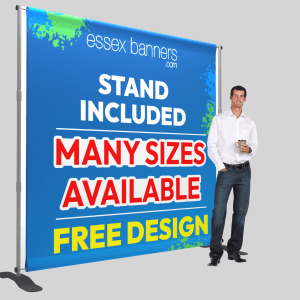
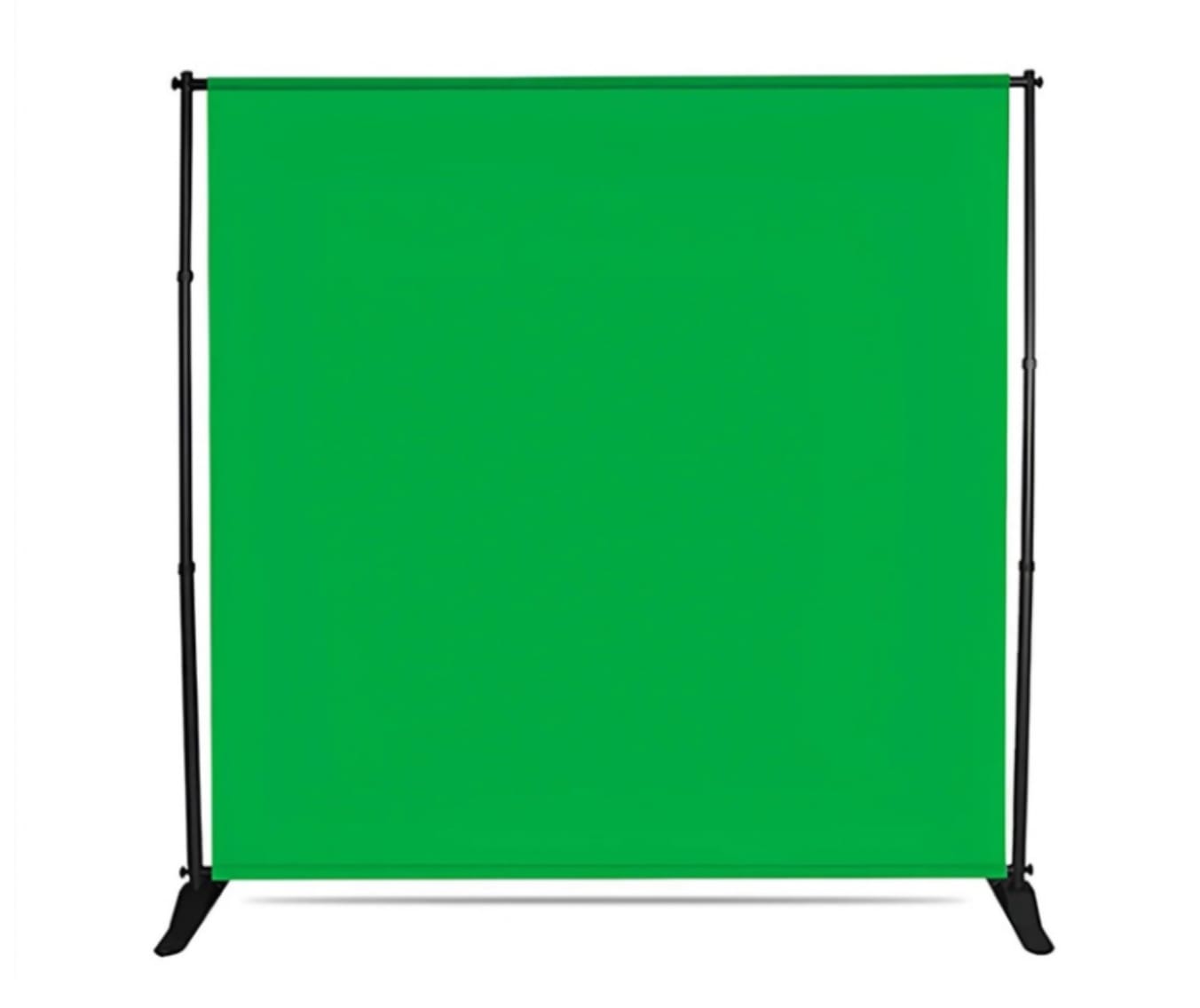
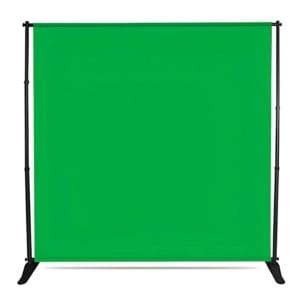
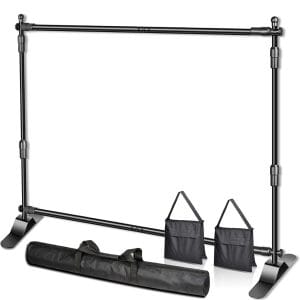
- 2.4m x 2.4m is the telescopic stand with PVC Green banner backdrop
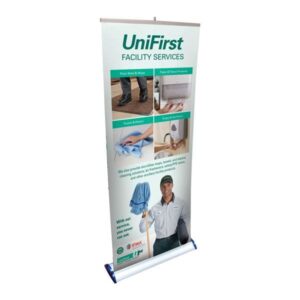
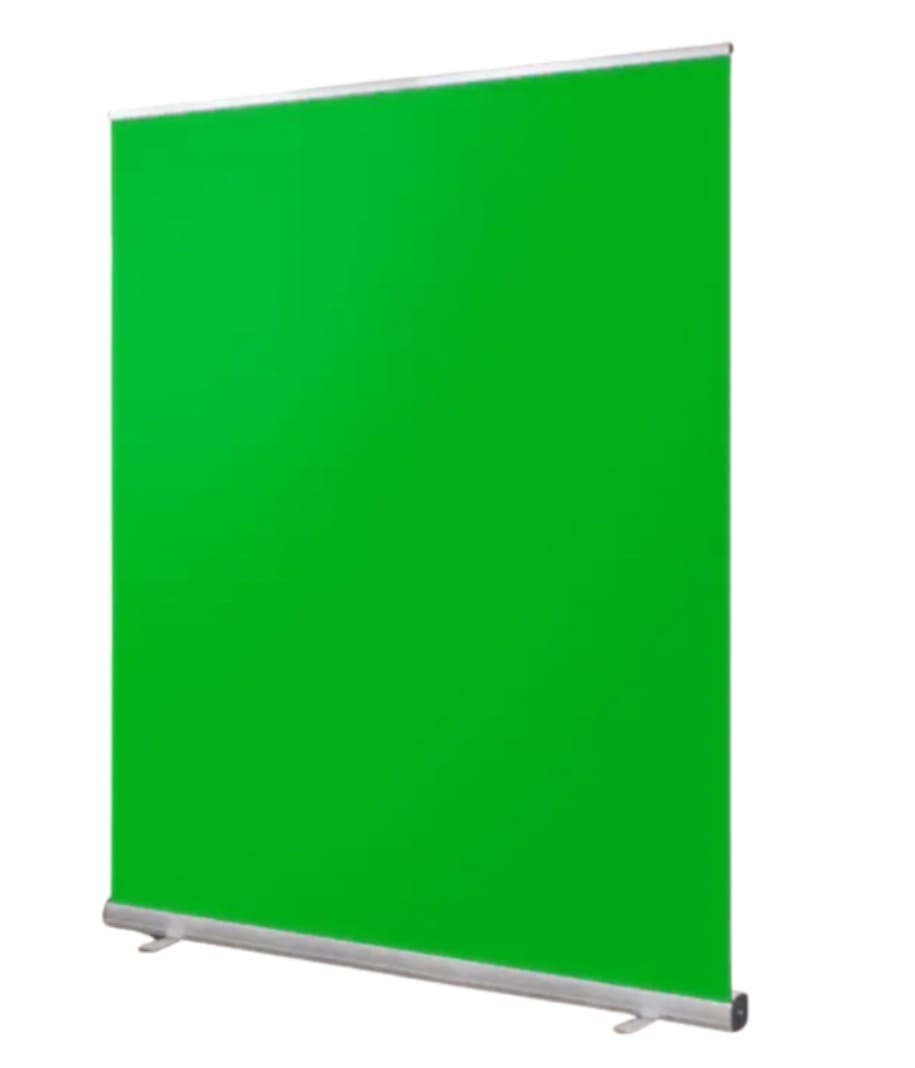
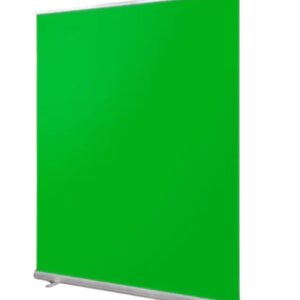
- 2m x 2m is a roller banner
When it comes to displaying your backdrop, choosing the right stand is essential. We offer two great options to suit different needs: the roller banner stand and the telescopic stand.
The roller banner stand is perfect for those looking for a quick, easy, and portable solution. It features a lightweight, pull-up design, making it ideal for trade shows, presentations, and events where fast setup and breakdown are key. Its sleek and compact structure ensures it takes up minimal space while still providing a professional look.
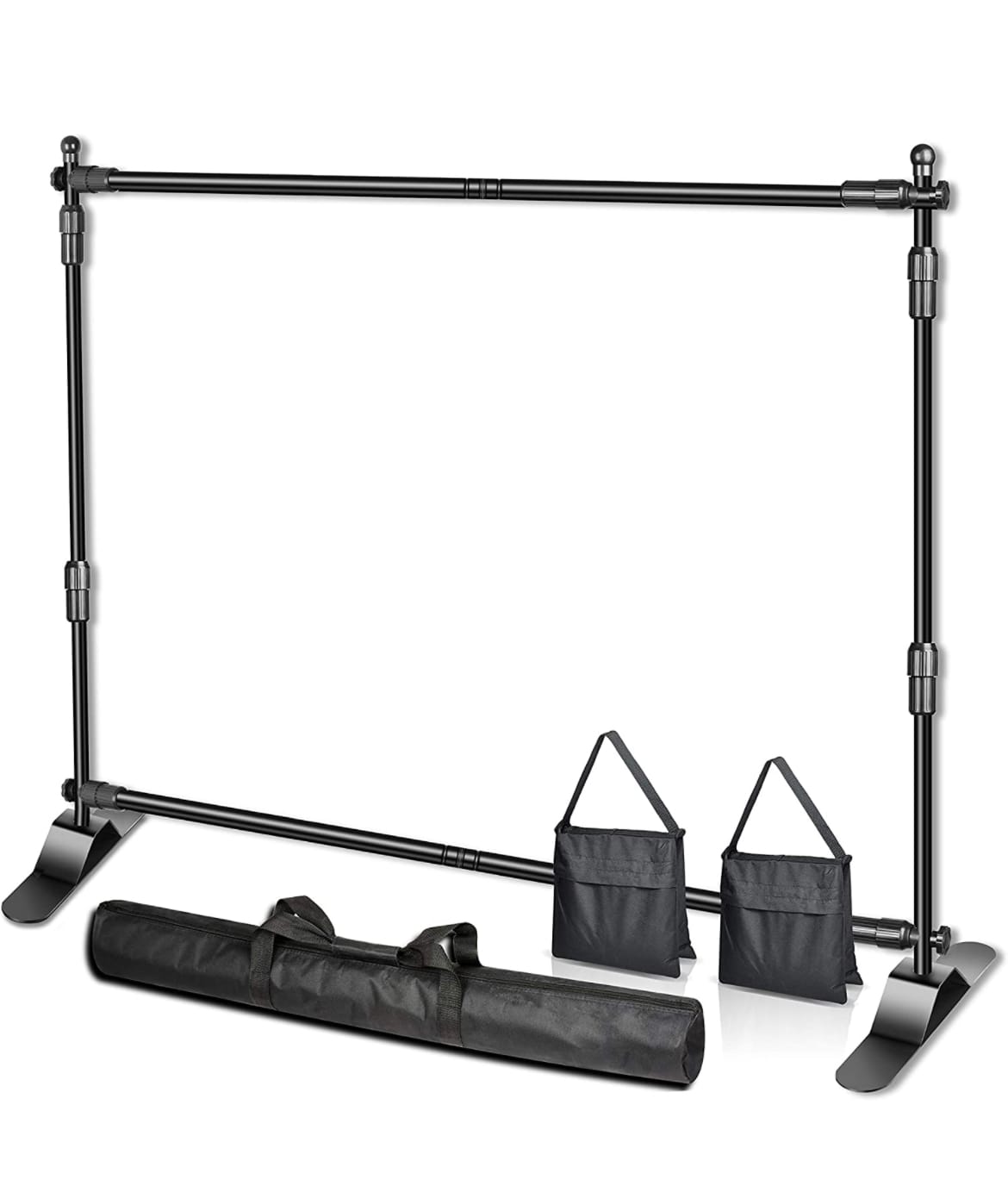
For larger and more versatile displays, the telescopic stand is the best choice. With adjustable height and width, it can accommodate wider backdrops, making it ideal for photography studios, exhibitions, and step-and-repeat banners. Its sturdy frame provides extra stability, ensuring your backdrop remains smooth and secure throughout your event.
Both options offer reliability and ease of use, but the choice depends on your specific needs. If you require a portable, hassle-free display, the roller banner stand is ideal. If you need size flexibility and a more robust setup, the telescopic stand is the way to go.
5 Tips for a Perfect Chroma Key with Your Green Screen
Achieving a professional “invisible” background removal depends as much on your setup as it does on the quality of the backdrop. To get the best results from your Essex Banners green screen, follow these professional tips:
Lighting is Key (The “Flat” Rule)
The secret to a clean key is even lighting. You want to avoid shadows and “hot spots” (bright white areas).
• The Goal: Light the green screen separately from the subject.
• The Trick: Use two softbox lights placed at 45-degree angles to the screen to create a flat, consistent wash of green.
Mind the Gap (Subject Placement)
Don’t stand too close to the backdrop! If you stand directly against the screen, you will cast a shadow on it, and “green spill” (green light reflecting onto your skin or hair) will make keying difficult.
• Pro Tip: Keep at least 2 to 3 metres between the subject and the green screen.
Eliminate Wrinkles
Even a small crease can create a shadow that looks like a different shade of green to your editing software.
• Action: Ensure your backdrop is pulled taut. If you are using one of our roller banner green screens, the tension of the stand handles this for you automatically.
Check Your Wardrobe
It sounds obvious, but avoid wearing green! Beyond that, avoid shiny jewelry or reflective glasses, as these can pick up green reflections and disappear during the chroma key process.
Use the Right Camera Settings
Disable “Auto-White Balance” and “Auto-Exposure” on your camera. These settings can shift as you move, changing the shade of green mid-video and causing your background to flicker or “tear” in post-production.